One of the first challenges I encountered when I started studying in Lithuania was the fact that Vilnius Academy of Arts is using Rhino as their standard CAD software. ATU on the other had is primarily using Fusion 360. In this blog post I want to talk about my experience having to switch CAD Software.
I was quite nervous before our first CAD lesson here. I felt like I just got the hang of using Fusion 360 in Ireland. We don´t use CAD in secondary school back in my home country Germany, so I was a total beginner before and I did not feel ready to learn a completely new software now.
And like I feared, learning to use Rhino was a horrific experience the first few weeks. The commands and general layout are totally different from Fusion and our teacher loves talking very quietly and go through the steps like we are running a marathon. I just did not understand the basic principles and even when naviagting the space through dragging or rotating the object, I would always use the mouse clicks I was used to from Fusion, which don´t work in Rhino.
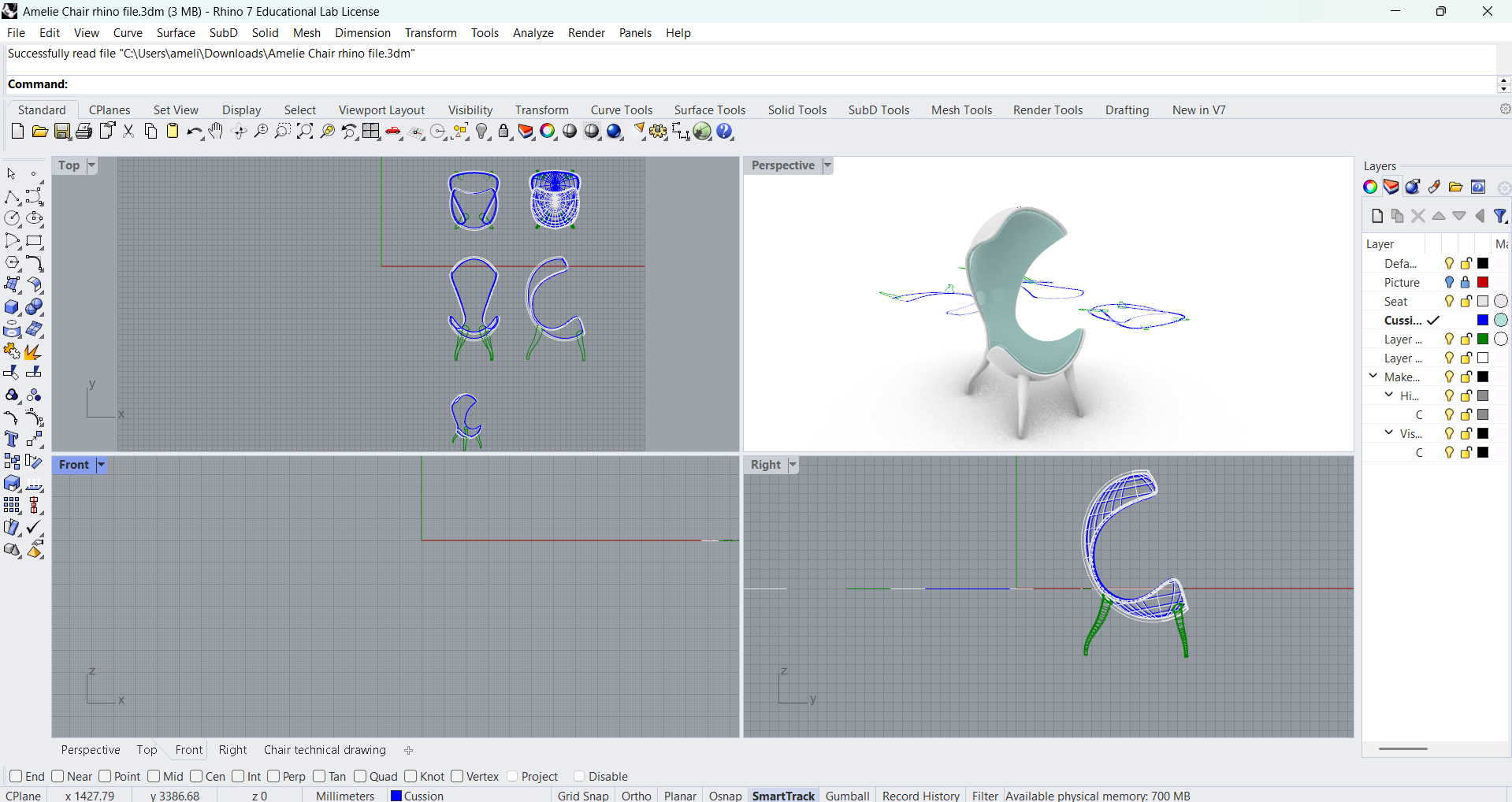

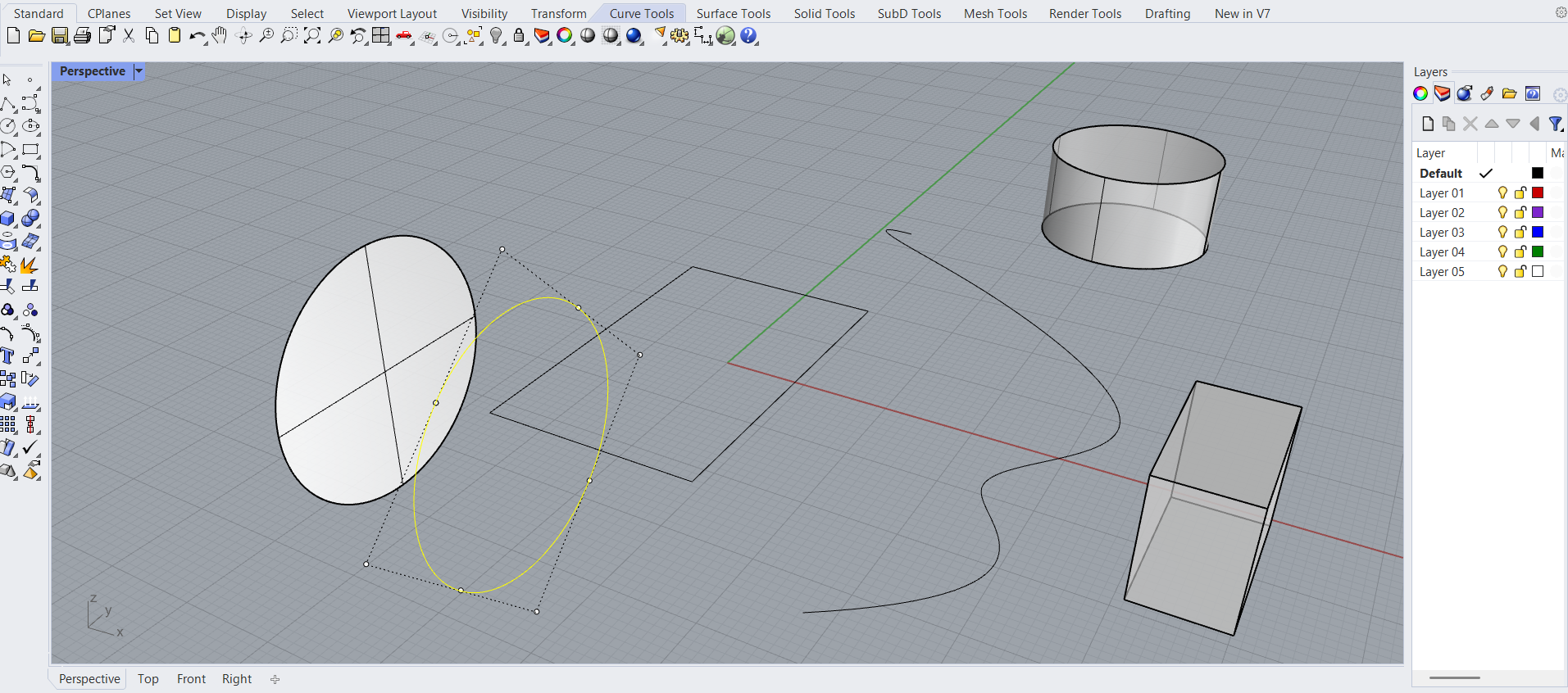
I would say only now, after almost 3 months of CAD classes, I feel more convident using Rhino. So far we learned how to create objects in the standard space and make technical drawings. We are also using the SubDivision space, where you can create and form objects by pulling and pushing points or surfaces of an object.
Surprisingly, I feel like nowadays I might actually choose to create a product in Rhino instead of Fusion if I had to choose.
I think it can be very useful to know how to use Rhino in the future since it is the standard CAD software in my companies. I am very glad that I feel more convident with it now, because over the last weeks I had many moments where I doubted this would ever happen. I am interested to see which one of the two softwares I will prefer in my work life.


Here the Fusion and Rhino Space in comparison.