In this Blog post I want to talk about the 3D-printer slicing software called PreForm, which I got to work with during my placement at University Hospital Galway. I had already used a few other slicer softwares before like Ultimaker Cura, Prusa Slicer, Bambu Studio or IdeaMaker. These are the slicer softwares suitable for the 3D printers at the college. And with each new printer and software come new features, different settings and possibilities.
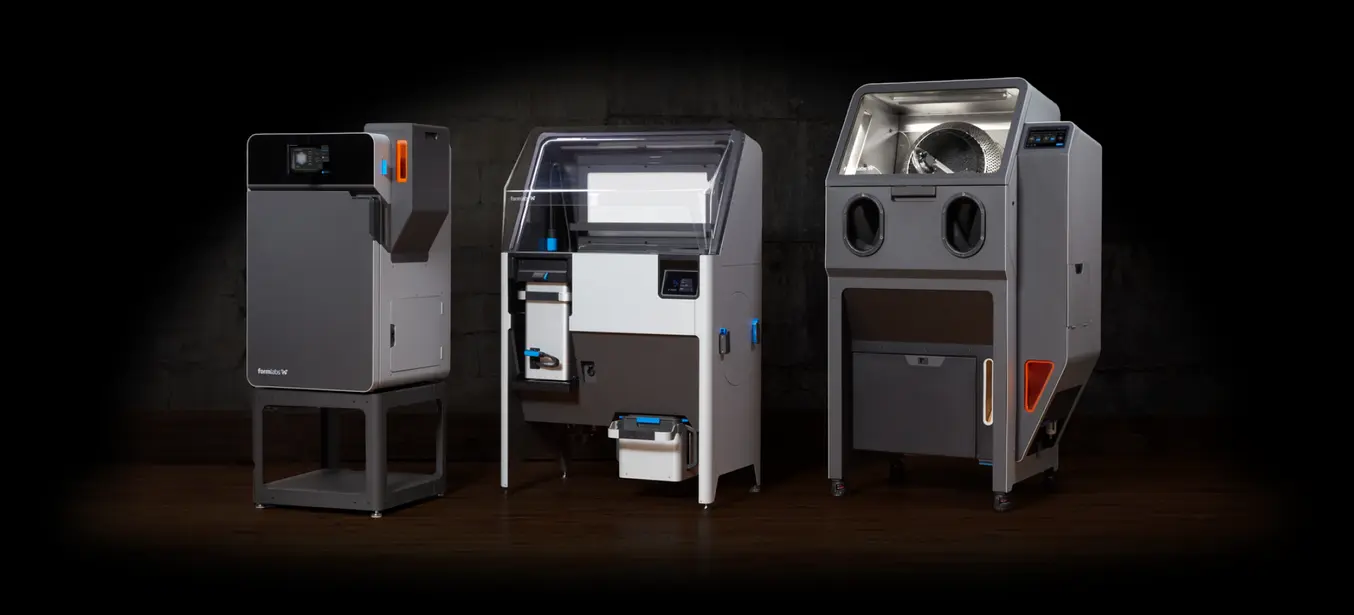
During my placement I worked a lot with 3D printing. I got to work with new materials and new printers. When you work for a hospital, it is very important to choose the right materials and production methods as everyting you use must follow ISO 10993 and 14971, meaning the materials need to be chemically resistant, bio-compatible and safe to use in a hospital environment. This automatically excludes many of the standard filaments. Luckily, we just received a new 3D printer at ATU, the Formlabs Fuse 1+ 30W, a SLS printer that uses Nylon 12, which is hospital approved.
To make use of this printer, stl files need to go through a slicer software first which transform the stl file into a g-code file. Preform, which is the slicer software of the formlabs printer, takes you through the process step by step. I found that it has a very modern, rather minimalistic look and feel which makes it very easy to work with in my opinion. Every step is often accompanied by an image or an info button, so it is also suitable for beginners.
Additionally, PreForm has another great feature which I found very handy, the one-click set up or magic wand tool which you can find on the top left corner of the preform screen (bottom left image). By clicking this button, the software automatically orients and positions your objects in the best, most material saving way. The SLS printer is a powder based printer, so it also does not rely on supports. Compared to this, most other slicers need you to arrange and orient your objects manually, like in the Ideamaker software on the bottom right image. This extra feature in PreForm can save the user a lot of time.


But mainly, I think the Preform slicer looks great, it feels more like you are in an app on your phone and not in a 3D printing software. The Design is more clear and more fun to use. On the below images you can see the direct comparison of the texture feature in PreForm on the left and IdeaMaker on the right. The images, the sliders, the buttons, everything looks nicer, is more simple and therefore is also more accessible for people with disabilities.


In conclusion, I can say that I learned a few new things and got to know new features when working with PreForm and the new SLS printer at the college. I am grateful that we have the means to work with such large machines and I think I made good use of it for my Hospital placement. I can definitely tell that printers and slicers are continuously evolving and I am sure they will be of growing importance in the future.